
Super Blowout!
Controls
- Move: WASD
- Jump: Space
- Pause / resume: P
- Interaction / Attack: Left click
- Cancel / Pick up a placed object: Right click
- Drag to place multiple Walls or Fuses: Hold Left Click
- Start combat: Enter
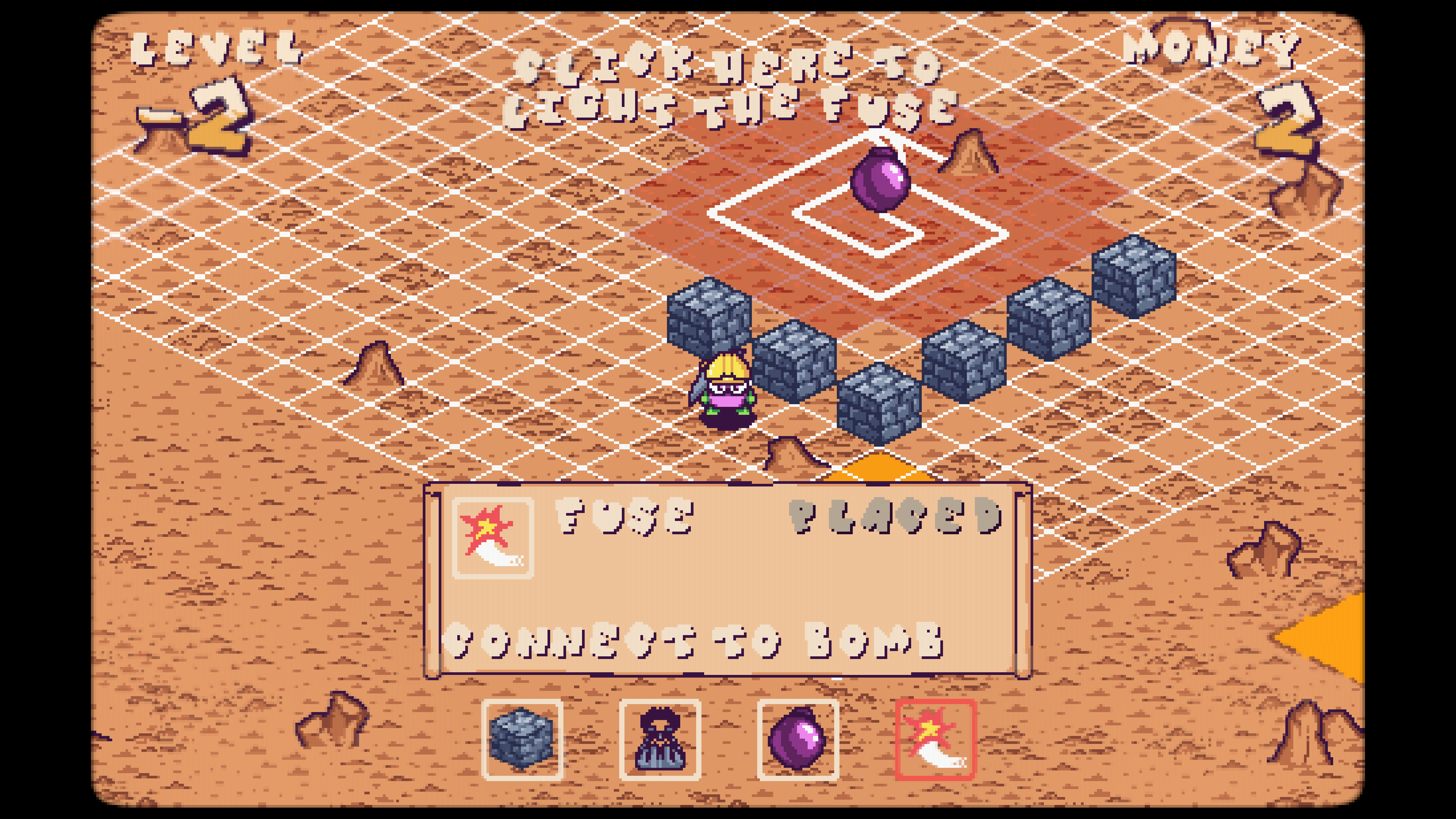
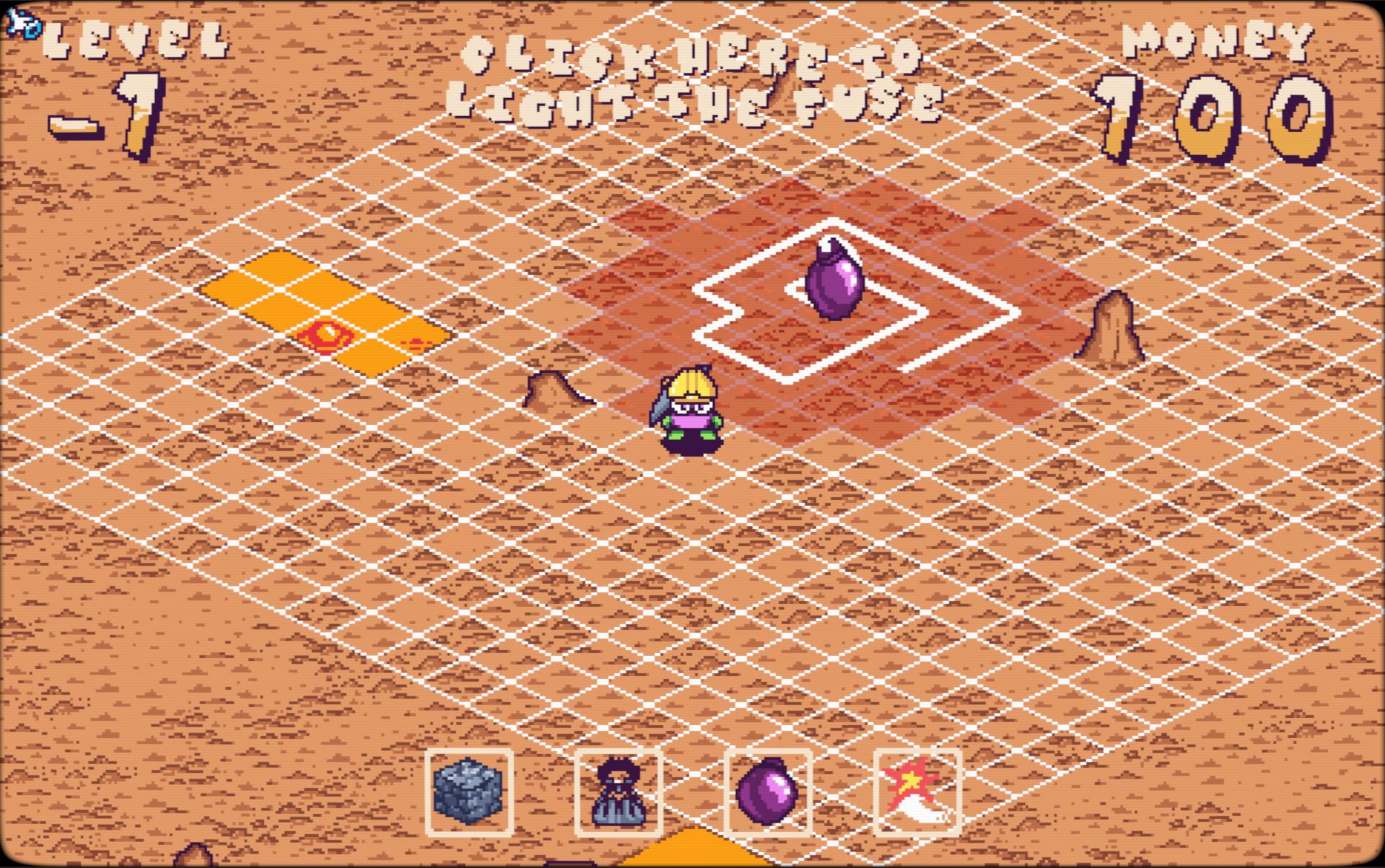
Place the bomb, then place the fuse starting next to the bomb. All fuse pieces must be placed to be able to start.
When ready, click the start text at the top of the screen to begin the round.
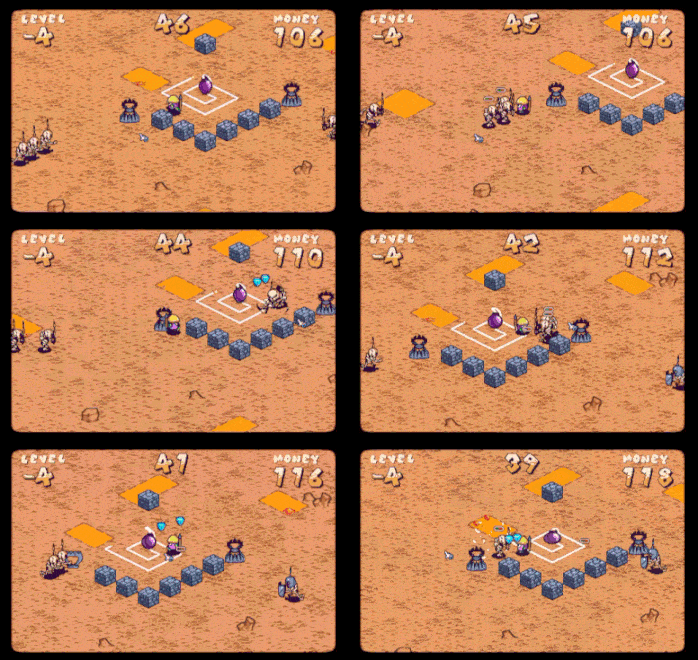
Defend your fuse from the attacking skeletons and watch out for the lava!
Credits:
Art: Josh Bryant
Developer: James & Faye
Shader:
Music & SFX:
https://www.themotionmonkey.co.uk/free-resources/retro-arcade-sounds/
https://assetstore.unity.com/packages/audio/sound-fx/8-bits-elements-16848
https://www.zapsplat.com/music/bomb-wick-fuse-sizzle-fizz-burn/
https://www.zapsplat.com/music/retro-8-bit-game-hit-00/
https://www.zapsplat.com/music/retro-8-bit-game-sound-error/
https://www.zapsplat.com/music/game-sound-8-bit-blip-short-and-fast-clink/
https://www.zapsplat.com/music/game-sound-8-bit-blip-lose-life/
https://www.zapsplat.com/music/retro-8-bit-video-game-gun-2/
https://www.zapsplat.com/music/game-sound-8-bit-blip-very-short-beep/
https://www.zapsplat.com/music/game-sound-8-bit-style-arcade-explosion-boom-bomb...
https://pixabay.com/sound-effects/film-special-effects-retro-hurt-1-236672/
https://pixabay.com/sound-effects/film-special-effects-8-bit-gravel-footsteps-1-...
https://pixabay.com/sound-effects/musical-chase-8-bit-73312/
https://pixabay.com/sound-effects/film-special-effects-videogame-death-sound-43894/
Leave a comment
Log in with itch.io to leave a comment.